Block released Buzz on July 21, 2026, and the first thing most people notice is that it looks like Slack. The second thing they notice is that the AI agents in the channels are not bots bolted on through a plugin. They are members. They read the channel history, they see the Git repositories hosted in the same app, and they can answer each other. Jack Dorsey has called it model agnostic, decentralized, self sovereign, and open source, which is a lot of adjectives, but the practical one is the first. You point Buzz at whatever model you want, including one running on your own hardware.
That last part is where the interesting infrastructure question starts. Buzz will happily detect the GPU in your laptop and run a small model on it. That works for one person. It does not work for a team, and the reason it does not work is worth walking through before you decide where your agents should actually live.
Here is the shape of this post:
- Why laptop inference falls over the moment a second person needs it
- What "local" should mean when the unit is a team, not a person
- Sizing a box for the models people actually run in Buzz
- The network path, which is usually the part nobody costs out
- What the monthly bill looks like next to token billing
1. Laptop inference is a demo, not a service
Buzz has a shared compute feature, and it is genuinely clever. One machine on the team runs a model, everyone else uses it. In an office of five people with one workstation that has a 5090 in it, this is fine for a while.
Then the person who owns that workstation closes the lid and gets on a plane. Or joins a video call and the model starts competing for memory with everything else on the machine. Or updates their drivers. In every environment we have seen, the failure mode is the same: the shared resource is attached to somebody's daily driver, and daily drivers are not designed to be a dependency for four other people.
There is also a quieter problem. Agents in Buzz are not doing one query at a time. Adversarial review, where you have Claude and a local Hermes or Gemma model argue about a pull request in the thread, means several models generating at once against the same context. A single consumer card handles that by queueing, and queueing shows up to the user as the agent being slow, which shows up a week later as the team quietly going back to hosted APIs.
2. What "local" should mean for a team
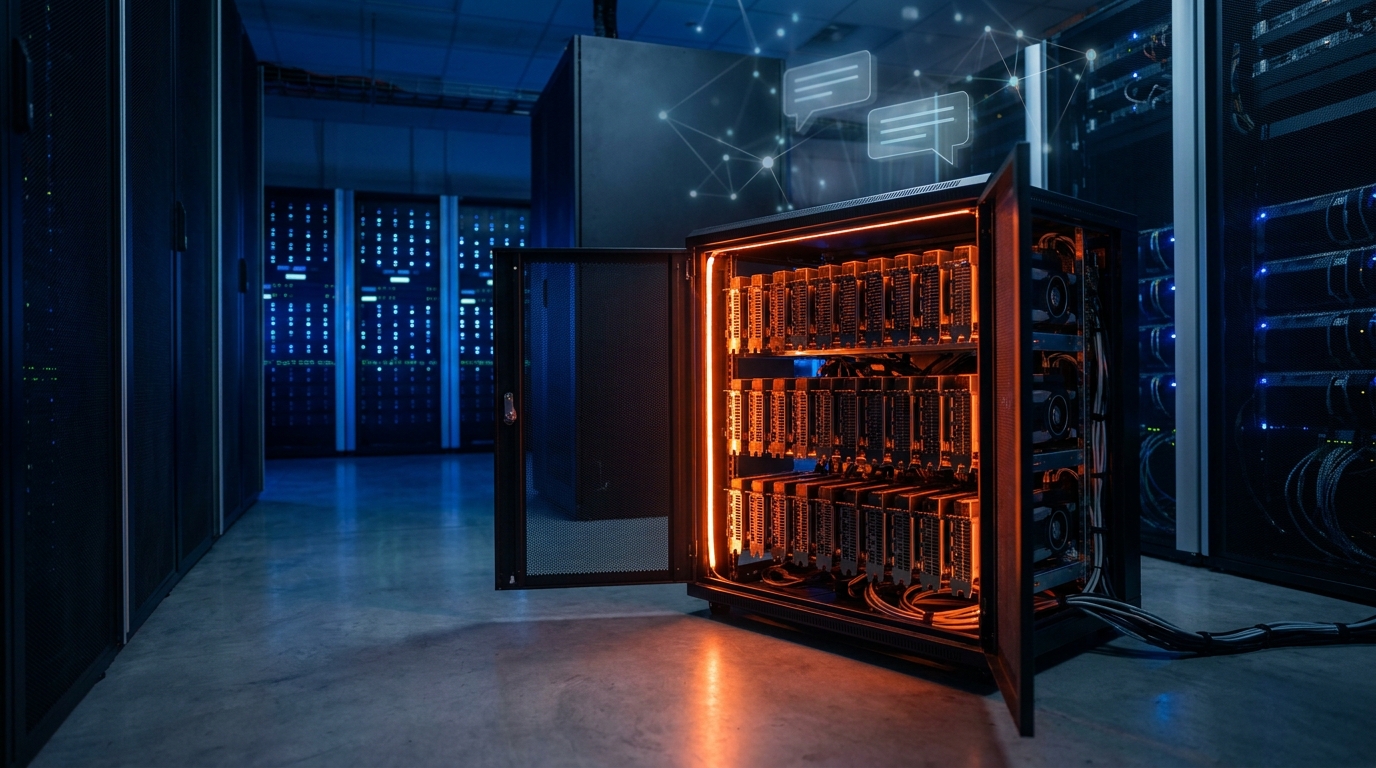
The word "local" in the Buzz settings screen means "not a hosted API." It does not have to mean "under your desk." A GPU in a rack that only your VPN can reach is local in every way that matters for a team:
- The weights and the prompts never leave hardware you control
- There is no per token bill and no rate limit
- It is on at 3am when your scheduled agent runs
- Nobody's driver update takes the team offline
What you give up is the twenty feet between your chair and the card, and you get back an uptime guarantee. For most teams that is a good trade. The typical setup is a single box running an OpenAI compatible server, reachable over WireGuard or a site to site tunnel, with every teammate's Buzz client pointed at the same endpoint.
3. Sizing the box
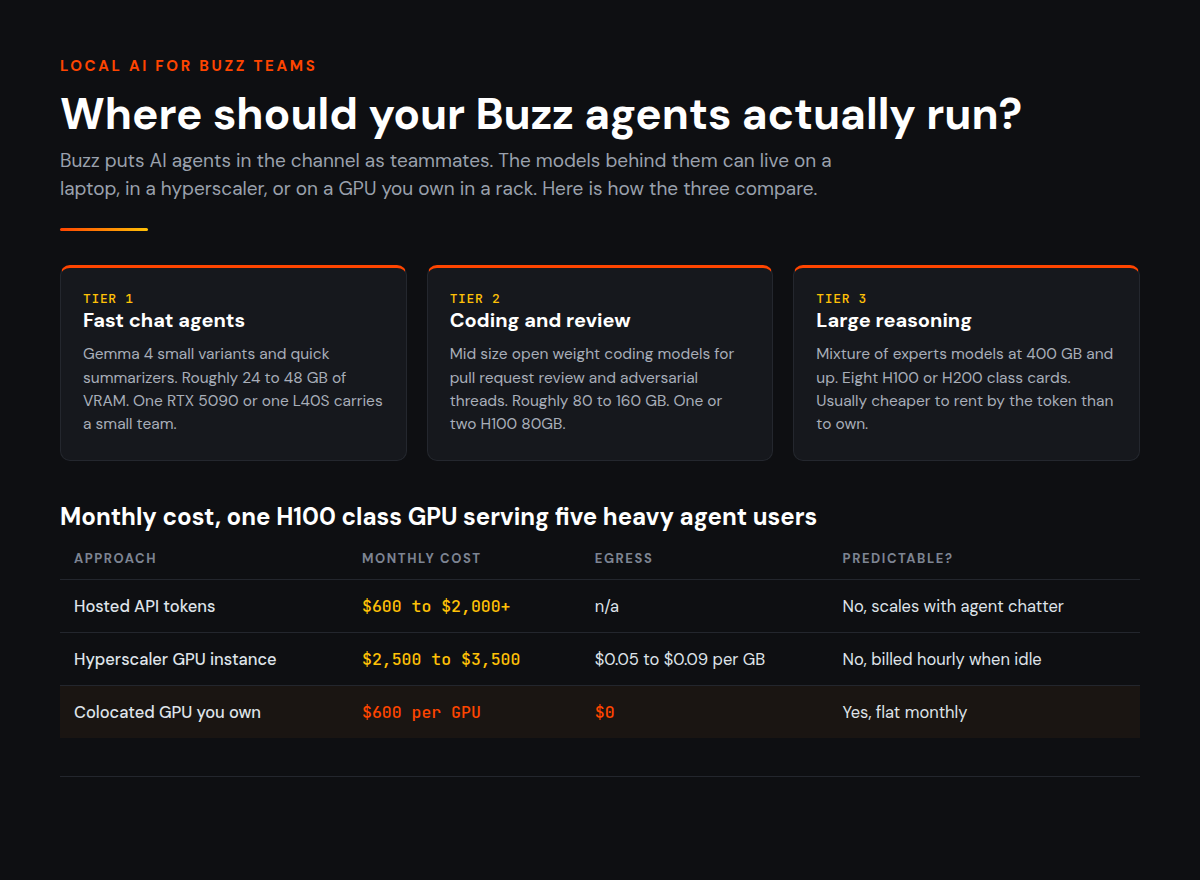
The models people actually run in Buzz cluster into three tiers. Gemma 4 is the one Buzz recommends most often on consumer hardware, and the smaller variants genuinely do fit on a single card. The large open weight models are a different conversation.
| What you want to run | Rough VRAM at reasonable quality | Practical hardware |
|---|---|---|
| Gemma 4 small variants, fast chat agents | 24 to 48 GB | 1x RTX 5090 or 1x L40S |
| Mid size open weight coding models | 80 to 160 GB | 1x to 2x H100 80GB |
| Large mixture of experts models, Kimi class | 400 GB and up | 8x H100 or H200, or offload to system RAM |
Two things surprise people here. The first is that context length costs more memory than they budgeted for. Buzz agents carry channel history and repository context, so a 100k token conversation is not unusual, and the key value cache for that at long context can rival the weights themselves. Budget headroom rather than fitting the model exactly.
The second is that the very large models are usually not worth self hosting for a small team. If three people occasionally want a 400 GB model to review a design document, renting that capacity by the token is cheaper than owning eight H100s. Own the base, rent the spike. The models worth putting on your own hardware are the ones your agents hit constantly: the code reviewer, the summarizer, the always on research agent, the one answering in a channel two hundred times a day.
4. The part nobody costs out
Buzz agents are chatty in a way that regular chat apps are not. Every agent turn resends context. Every repository indexing pass moves data. If your agents also talk to a cloud data warehouse, and in most teams they eventually do, you have traffic leaving your infrastructure on a metered link.
This is the line item that ruins otherwise reasonable GPU cost models. Renting a GPU instance in a hyperscaler at a good hourly rate looks fine until the egress charges arrive, and egress on the major clouds typically runs $0.05 to $0.09 per GB. A team whose agents are pulling training data, syncing repositories, and querying BigQuery all day can generate a surprising amount of that.
Two things fix it. Put the GPU somewhere with unmetered transfer, and if your data lives in Google Cloud, put it somewhere with a private interconnect so the path to BigQuery or Vertex AI is not the public internet. Sub millisecond latency on that link also means your agents stop feeling laggy when they reach for external data, which users read as "the model got smarter."
5. What it costs
Assume a modest but real setup: one H100 class GPU serving a team of five, running most of the day, with meaningful data movement.
| Approach | Monthly | Notes |
|---|---|---|
| Hosted API tokens, 5 heavy agent users | $600 to $2,000+ | Scales with usage, hard to forecast, spikes with adversarial workflows |
| Hyperscaler GPU instance, on demand | $2,500 to $3,500 | Plus egress, plus storage, billed hourly whether idle or not |
| Colocated GPU you already own | $600 per GPU | Fixed, unmetered transfer, hardware is yours |
The colocation number assumes you have a card, which many teams already do, sitting in a workstation doing nothing at night. Moving it into a rack turns a personal machine into shared infrastructure without buying anything new.
If you do not have hardware yet, the honest advice is to start on the smallest thing that serves the team properly, usually a single L40S or 5090 running a Gemma 4 variant, and measure. Watch how many requests actually queue. Watch whether your agents are memory bound or throughput bound. Buy the second card when the first one is genuinely saturated, not before.
Where to start
Buzz is in early preview, and it is free and open source, so the cost of trying it is an afternoon. Run it on a laptop first and see whether your team actually likes having agents in the channel. Most do, and the ones that do usually hit the shared compute ceiling within a few weeks.
When that happens, the fix is not a bigger laptop. It is one box that is always on, that everyone can reach, and that nobody has to remember to leave plugged in.
That is roughly what we do at Bit Refinery. If you have a GPU already, we will rack it, connect it, and hand you SSH and IPMI access, typically within 48 hours, starting at $600 a month with no egress fees. If you do not, we can size one with you. Either way, get in touch and we can talk through what your agents are actually doing before anyone buys hardware.